Schedule Cell Options
You can use Schedule Cell Options to decide what data should be displayed in the cell on the Schedule.
Pick from standard or Custom Fields on the Booking, Project or Task and configure up to 3 lines of content in the cell and one title row.
Schedule Cell Options are Personal, but do persist across devices.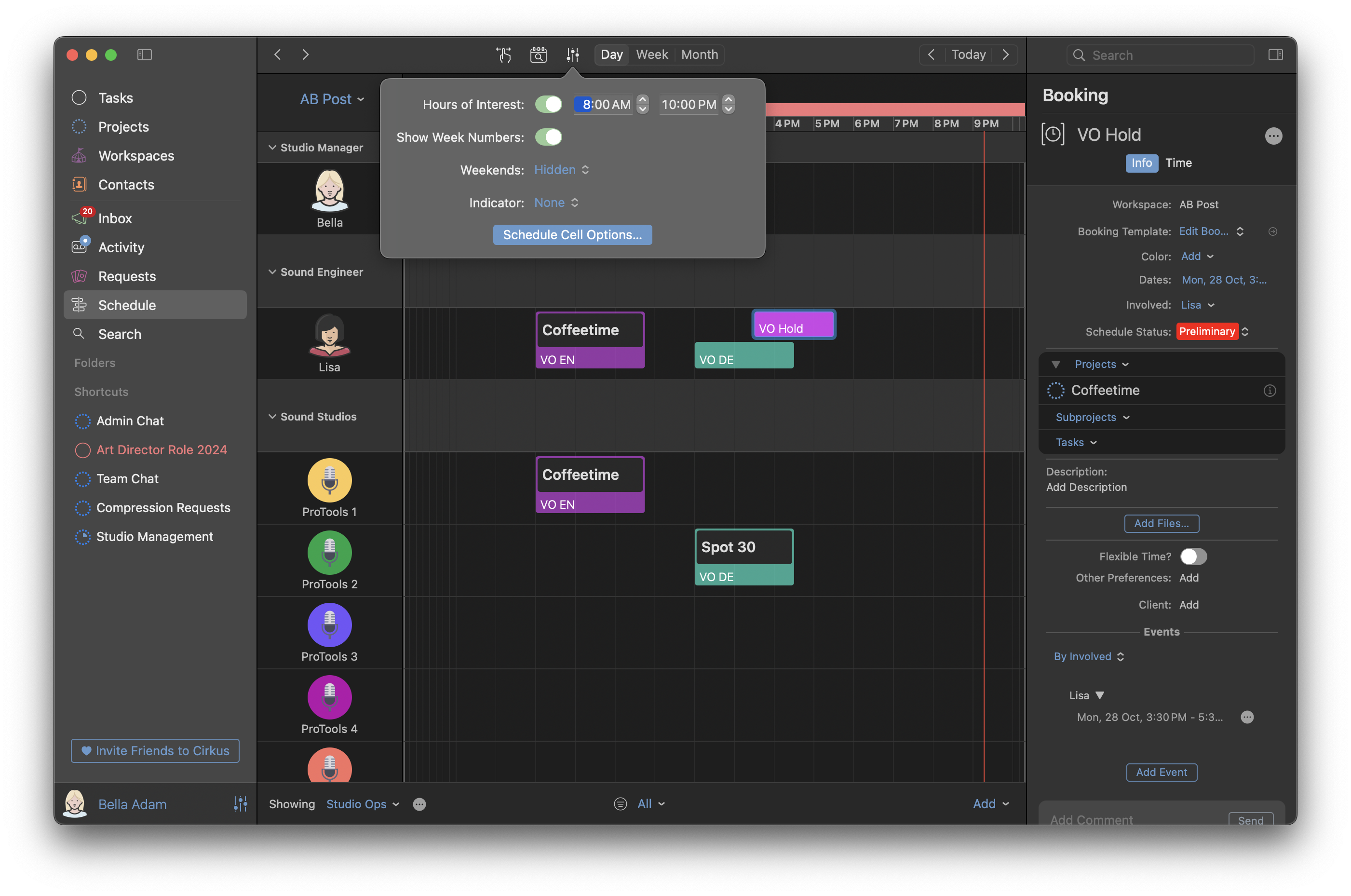
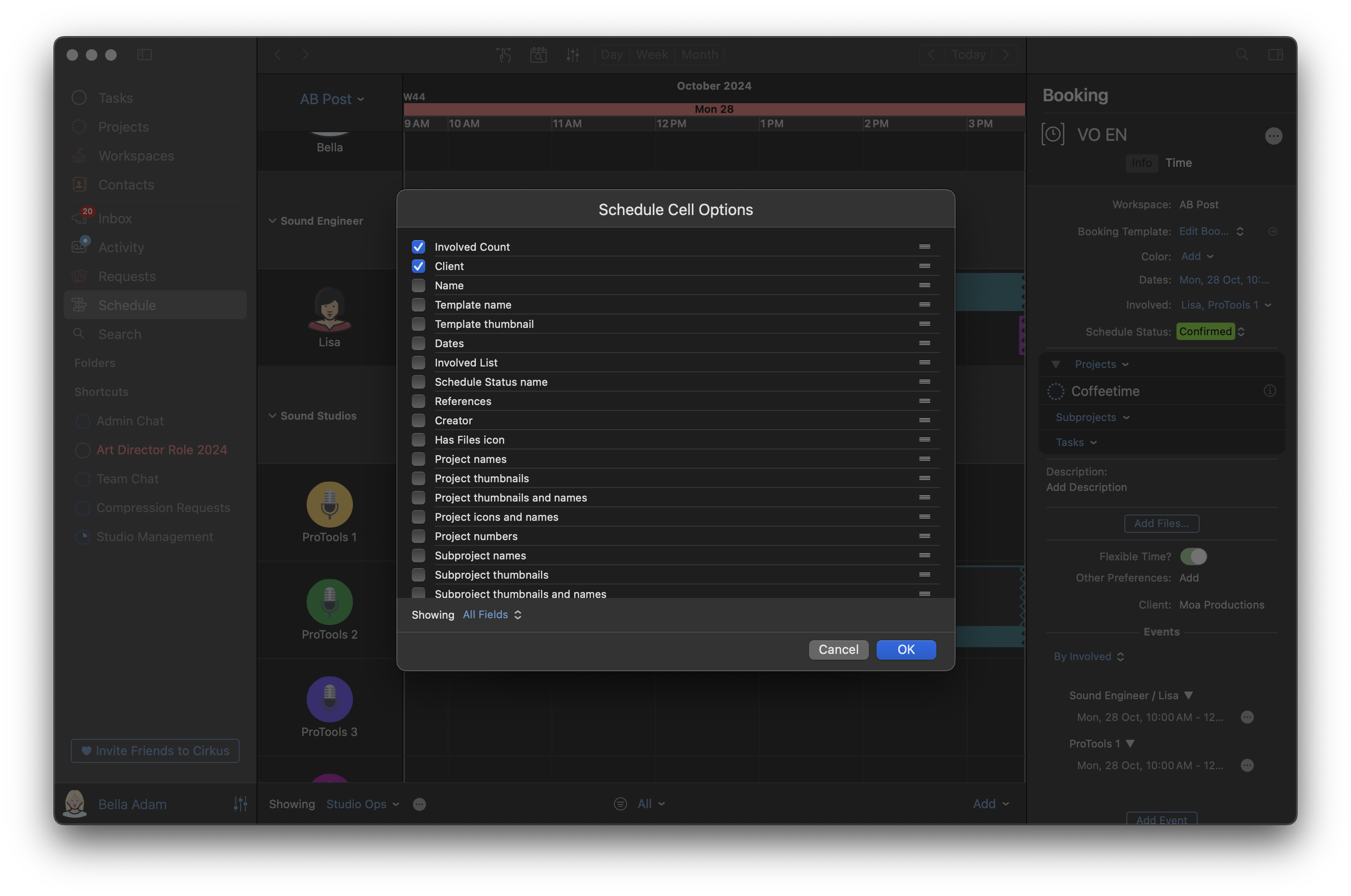
In the Schedule Cell Options Sheet, select each row to modify it.
Each data point can be selected, and reordered in the list.
Click on Add.. to add new rows to the content section of the cell.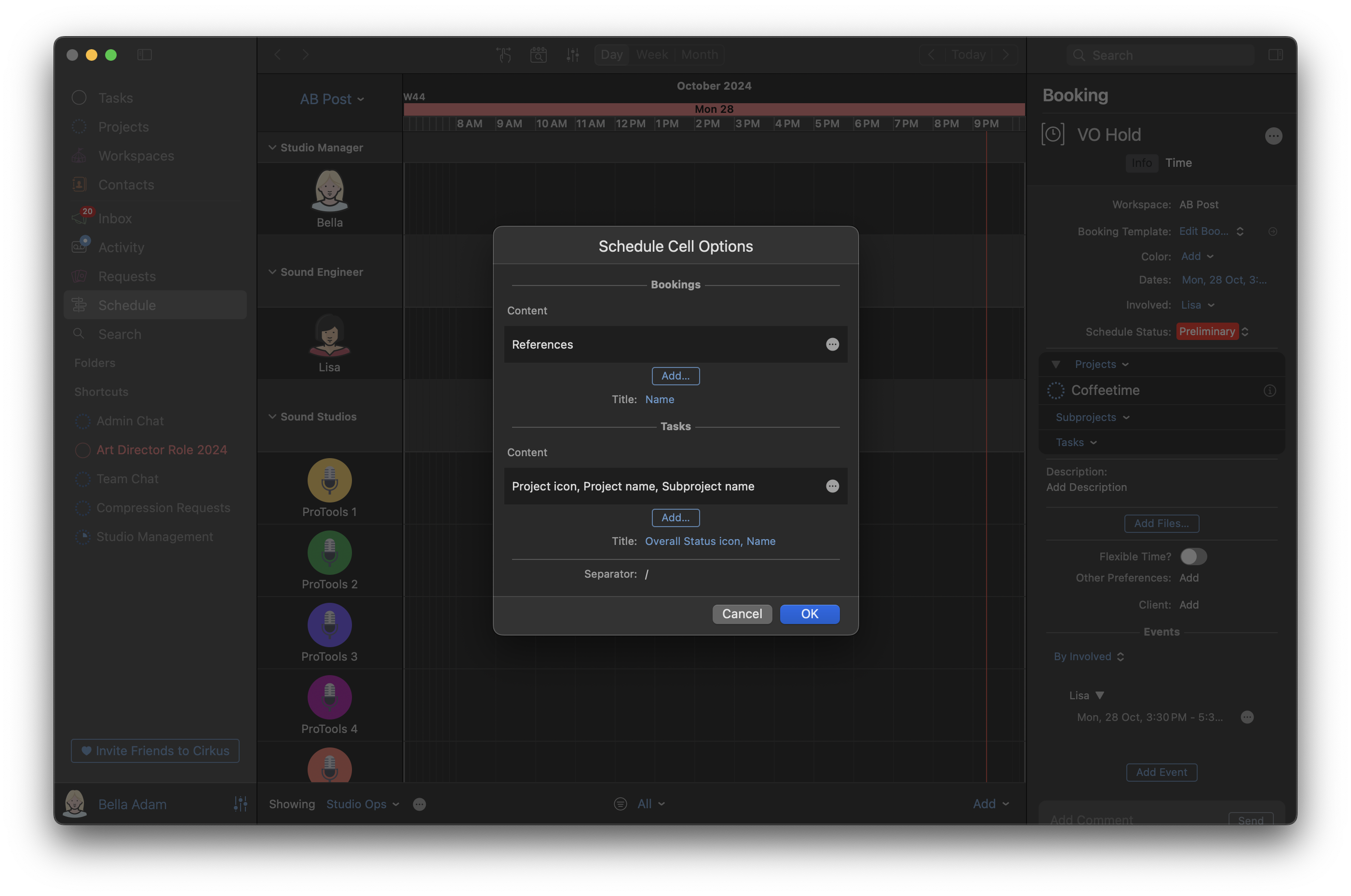
Tasks and Bookings have individual settings. You can select a delimiter to show between each data point in a row.
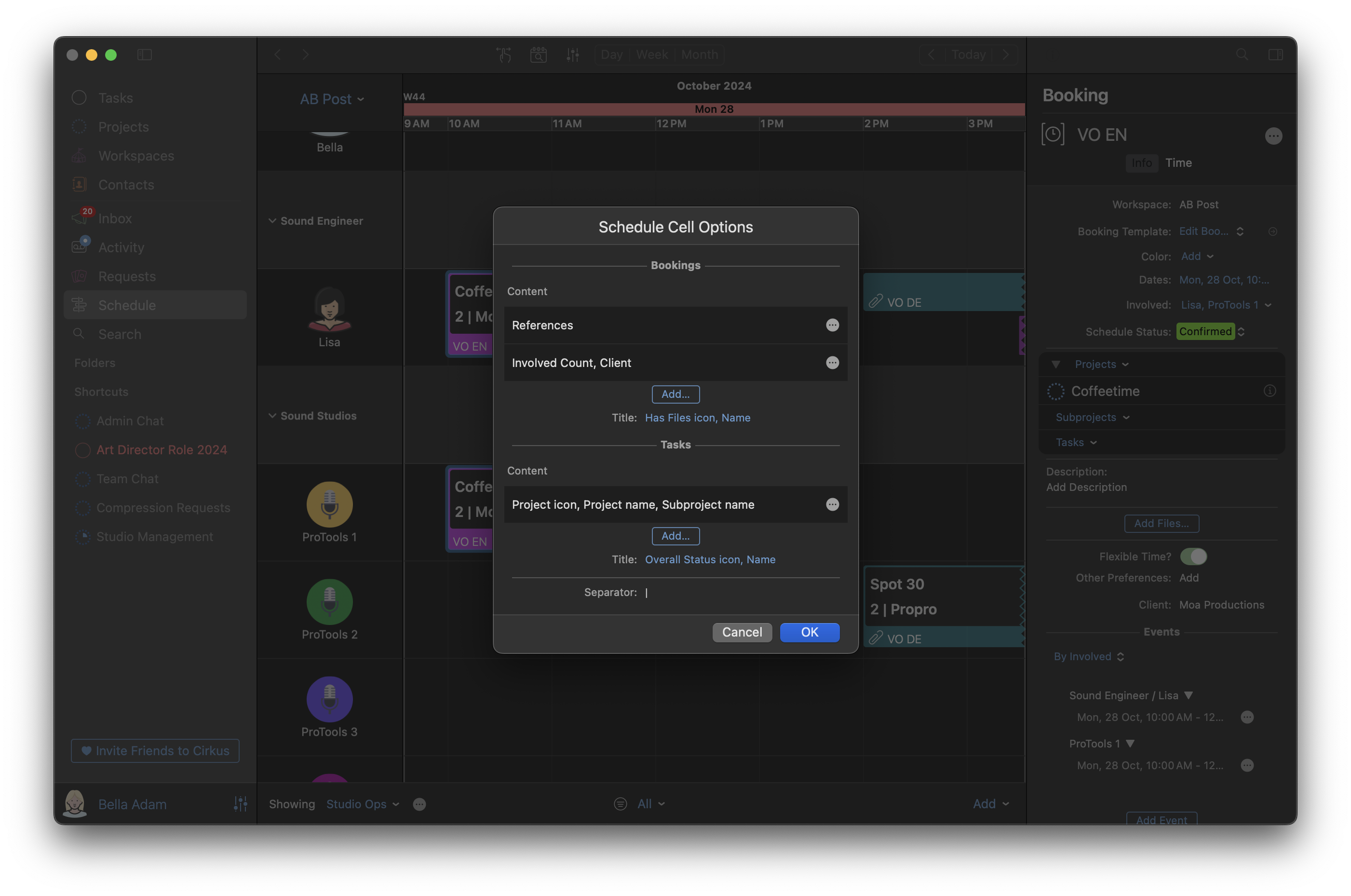
When finished click OK and the updated configuration will be reflected in the cells.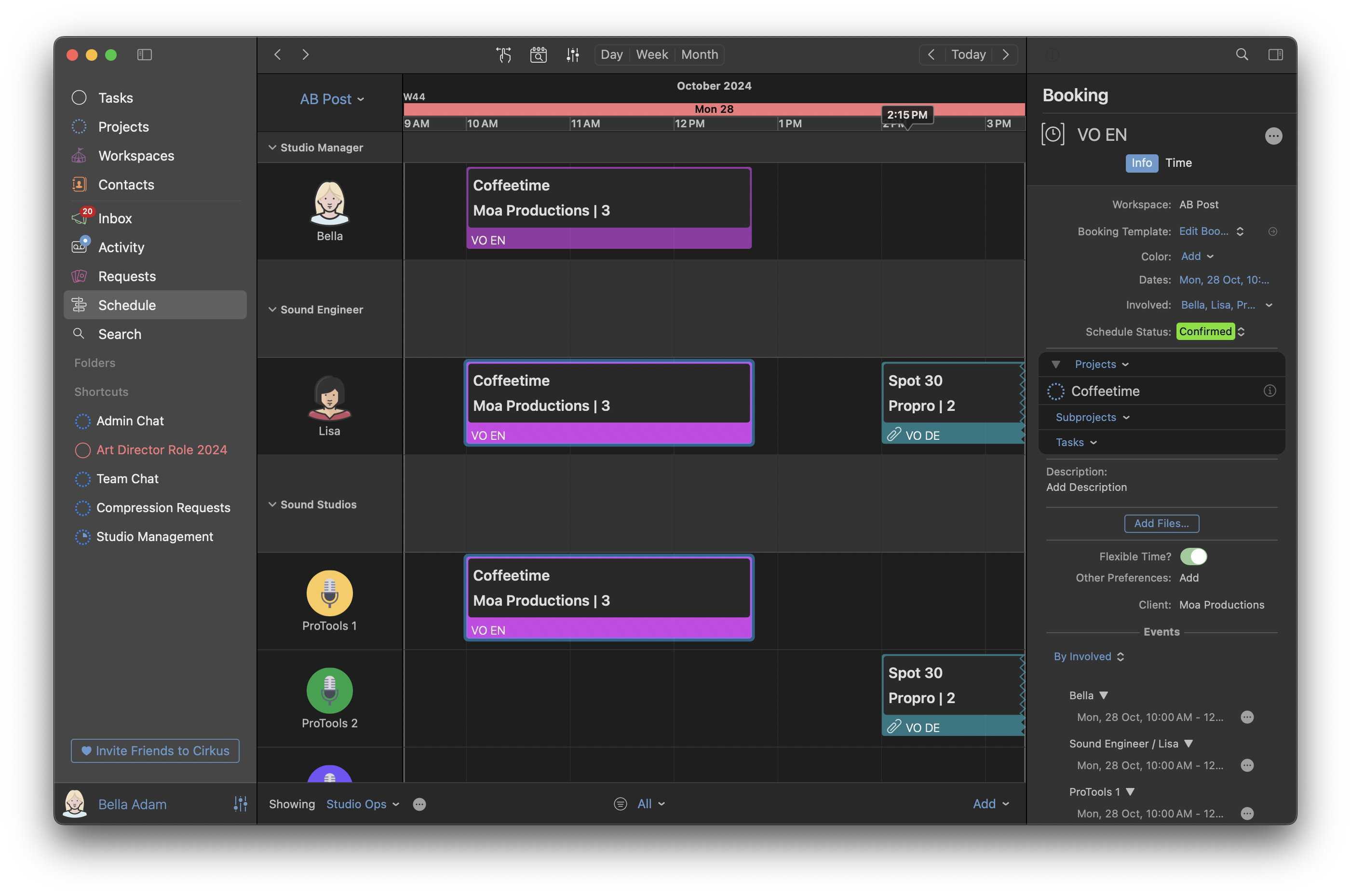
Related articles
Was this article helpful?
That’s Great!
Thank you for your feedback
Sorry! We couldn't be helpful
Thank you for your feedback
Feedback sent
We appreciate your effort and will try to fix the article